Chrome Extension
One-click apply on any job page you're already on
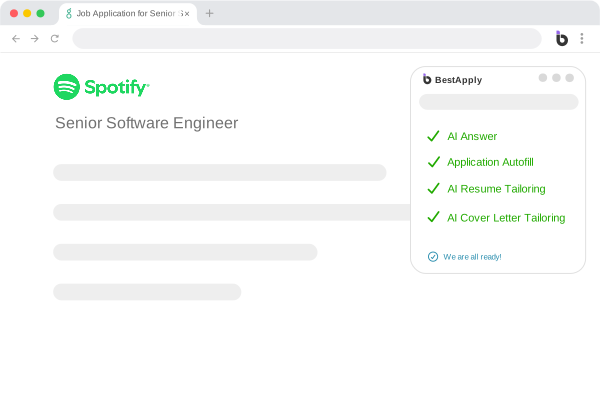
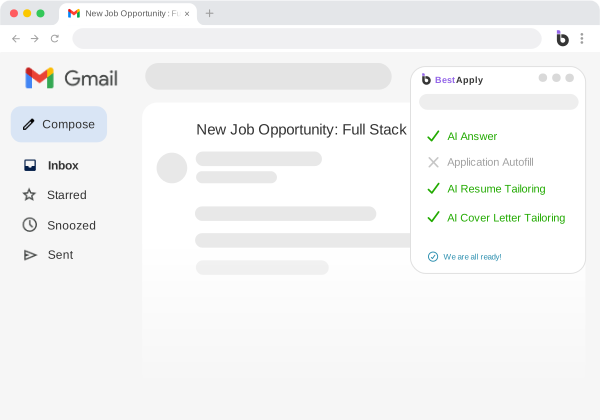
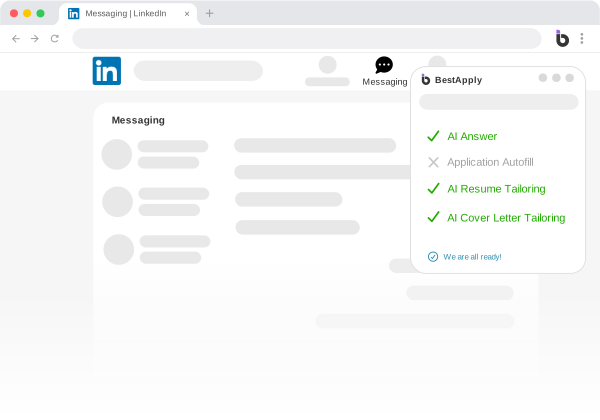
Install the BestApply Chrome extension once and every supported job page — Greenhouse, Lever, Workday, iCIMS, Ashby, and 14+ more — gets a one-click apply button. The AI fills every field of the application: open-ended answers, dropdowns, cover letter, and a resume tailored to that exact job description. You review and hit submit.
Autofill that understands the question
Traditional autofill pastes your name and address. The BestApply extension reads the whole form the way you would: it detects every question — including the awkward open-ended ones — and generates answers grounded in your profile and the job description on the page.
"Why do you want to work here?" gets a real, role-specific answer, not a saved snippet. Dropdowns, checkboxes, file uploads, and multi-step forms are all handled in seconds.
- Detects and fills every field type, including free-text questions
- Answers generated per job description — never canned templates
- Attaches your tailored resume and cover letter automatically
- Works on Greenhouse, Lever, Workday, iCIMS, Ashby, and 14+ more
You keep the final say
The extension fills; you submit. Every generated answer is editable in place before anything is sent, and each submission is saved to your BestApply tracker automatically — so applications you make yourself are tracked alongside the ones the Auto Apply agent handles.
Hand off when you'd rather not finish it
Found a role but the form is a monster? One click hands the application to the Apply Agent, and the AI + human team completes and submits it for you. Browsing and delegating work together instead of being separate workflows.
Add to Chrome — it's freeWhen the AI got stuck on an unusual form, my assistant picked it up without me doing anything. That reliability is what kept me coming back.
 Jordan Data Analyst
 I was competing with thirty people, not three hundred — on roles my assistant unlocked in the background. The response rate shows it.
 Priya Customer Success Manager
 FAQ
Frequently asked questions
Which job platforms does the extension support?
The one-click apply button appears on Greenhouse, Lever, Workday, iCIMS, Ashby, SmartRecruiters, and 14+ other ATS platforms. On other pages, the AI autofill still detects and completes standard application forms.
Is the Chrome extension free?
Yes. The extension is included in the Free plan with 50 AI answers per day. Pro raises that to 1,000 a day and Max makes it unlimited.
Can I edit the AI's answers before submitting?
Always. The extension fills the form in place on the page — every field stays editable, and nothing is submitted until you click submit yourself.
Explore more features
Ready to stop
applying by hand?
AI applies at scale. Your human assistant reaches where AI can't. Start free — no credit card required.
Get Started FreeNo credit card required · Start on the Free plan, upgrade anytime